Project Sprint - Week 3
Duration: 2 hours
Goal: “Finalize your Demo Day materials and get ready to present.”
Tonight’s Focus
This is your last work session before Student Demo Day. Use the time to polish everything and make sure you’re prepared:
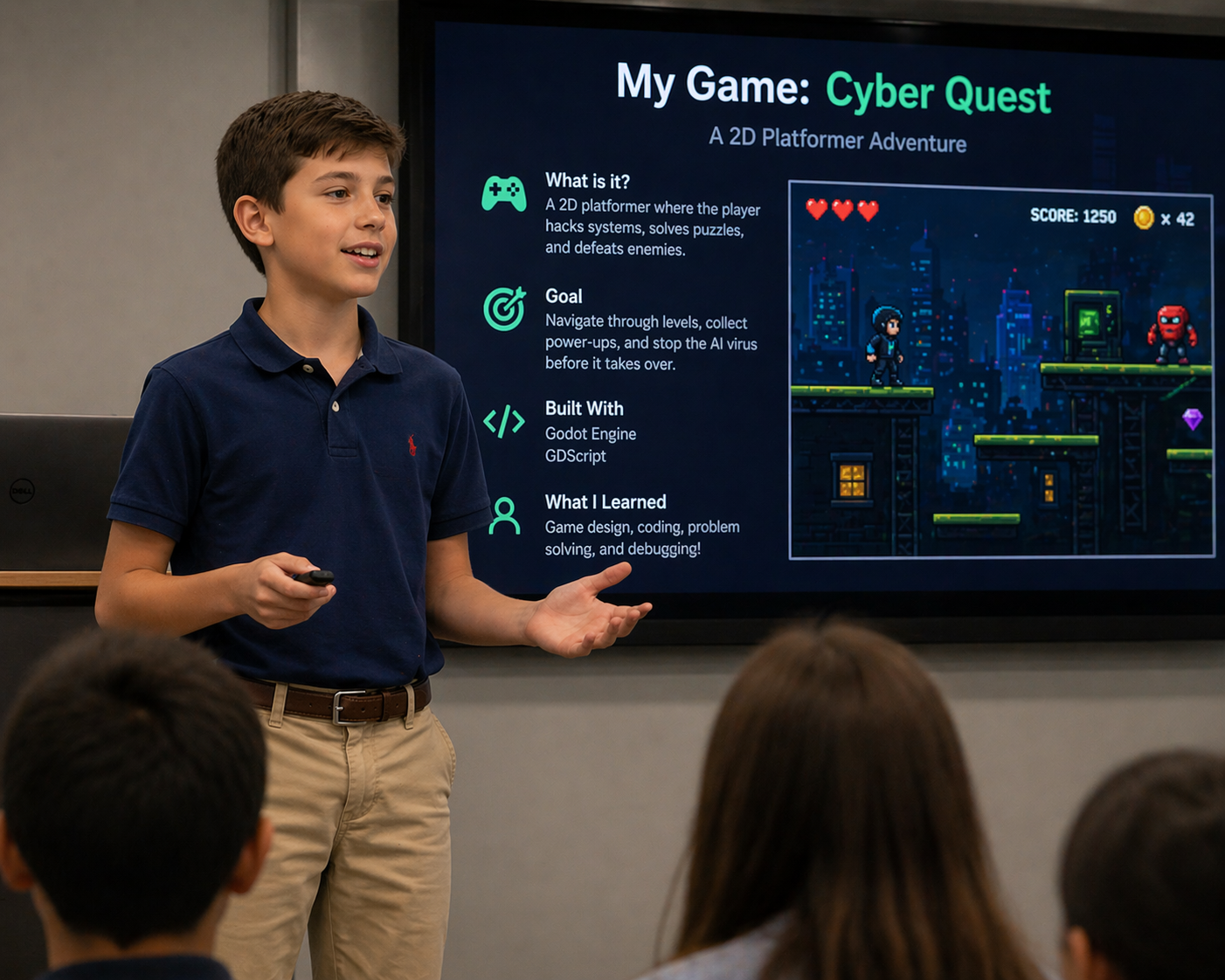
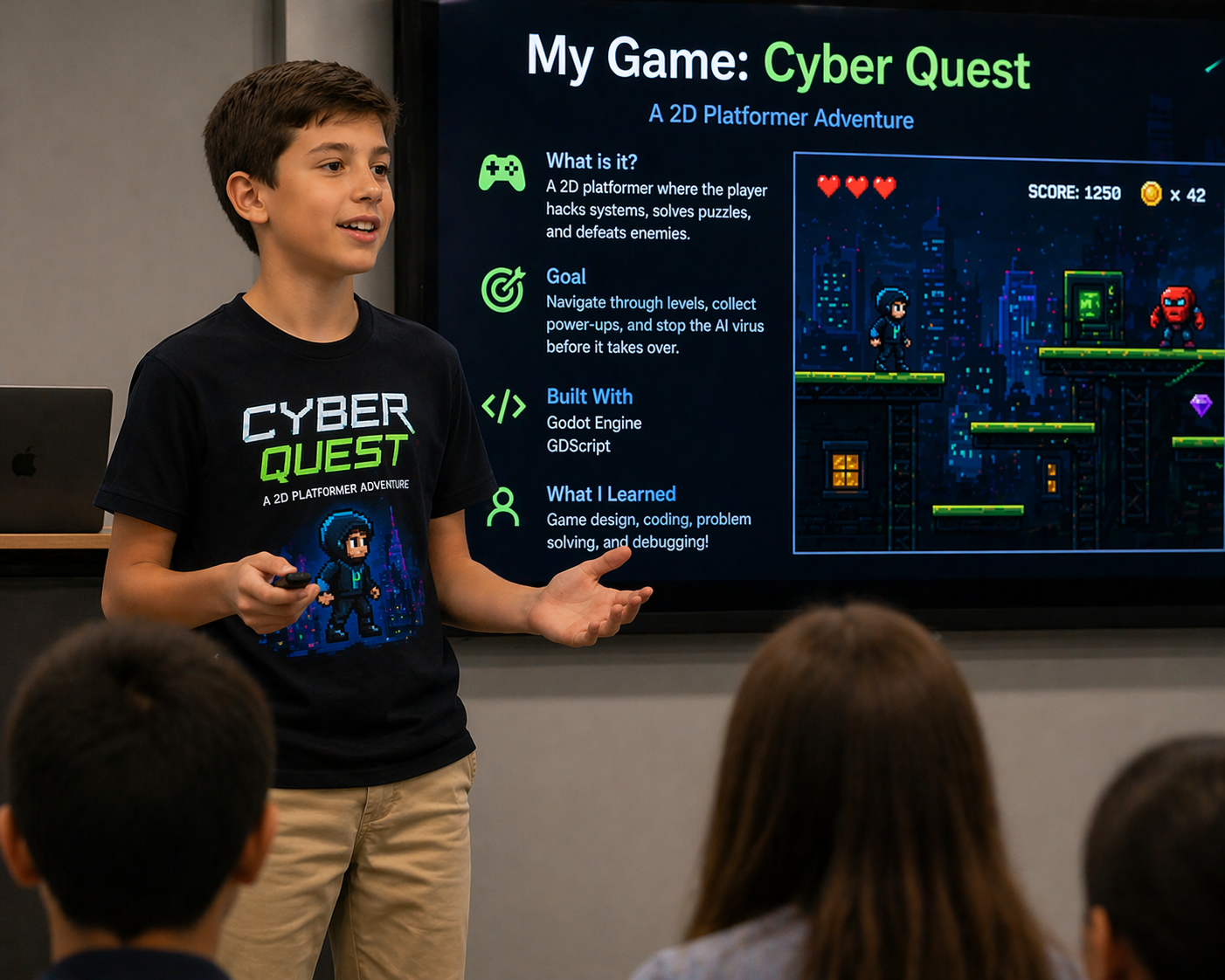
- Finish your Demo Day slides (with your logo and demo video)
- Practice your 5-minute presentation
- Review the Demo Day checklist below
Step 1: Finish Your Demo Day Slides
- Here is the template on Google Slides
- Make sure your logo and demo video are included
- Share your final presentation with brendon@lansingtechstudio.org
Step 2: Share Your Demo Reel
Upload or share your demo recording so it’s accessible on Demo Day — don’t rely only on having it saved locally.
- Share your demo reel with brendon@lansingtechstudio.org
- Double-check that the video plays correctly in your slides
Step 3: Practice Your Presentation
You’ll have 5 minutes to present on the big screen, followed by 2 minutes of audience questions.
- Walk through your slides out loud — say everything you plan to say
- Practice answering questions like:
- “What problem does your project solve?”
- “What was the hardest part to build?”
- “What would you add if you had more time?”
- Aim for a natural, confident delivery — it doesn’t have to be perfect
Demo Day Checklist
Student Demo Day is at 14 Crescent Rd, East Lansing, MI 48823
Schedule
- 4:00 – 4:45 pm — TechSmith HQ tour
- 4:45 – 5:00 pm — Questions, break, setup
- 5:00 – 5:30 pm — Food (sponsored by RMC) and show off projects at tables
- 5:30 – 7:30 pm — 5-minute presentations on the big screen in the atrium + 2 minutes of audience questions
What to Bring
- Your computer (make sure it’s charged — bring your charger!)
- Your presentation and demo reel available on your computer
- Your Google Slides presentation shared with brendon@lansingtechstudio.org
- Your demo reel shared with brendon@lansingtechstudio.org
- Your demo reel should ideally have a shared link embedded in your slides
What to Wear
Business casual — think polo with dark jeans/khakis, or wear something that fits the theme of your project (e.g. a Minecraft shirt if your project is Minecraft-related).